How To Send And Receive Money Using UPI ID: A Simple Guide To UPI Payments
Learn how to send and receive money using a UPI ID with simple steps, safety tips, and different payment methods. Understand mobile number transfers, UPI ID payments, QR scans and more in an easy, secure way.
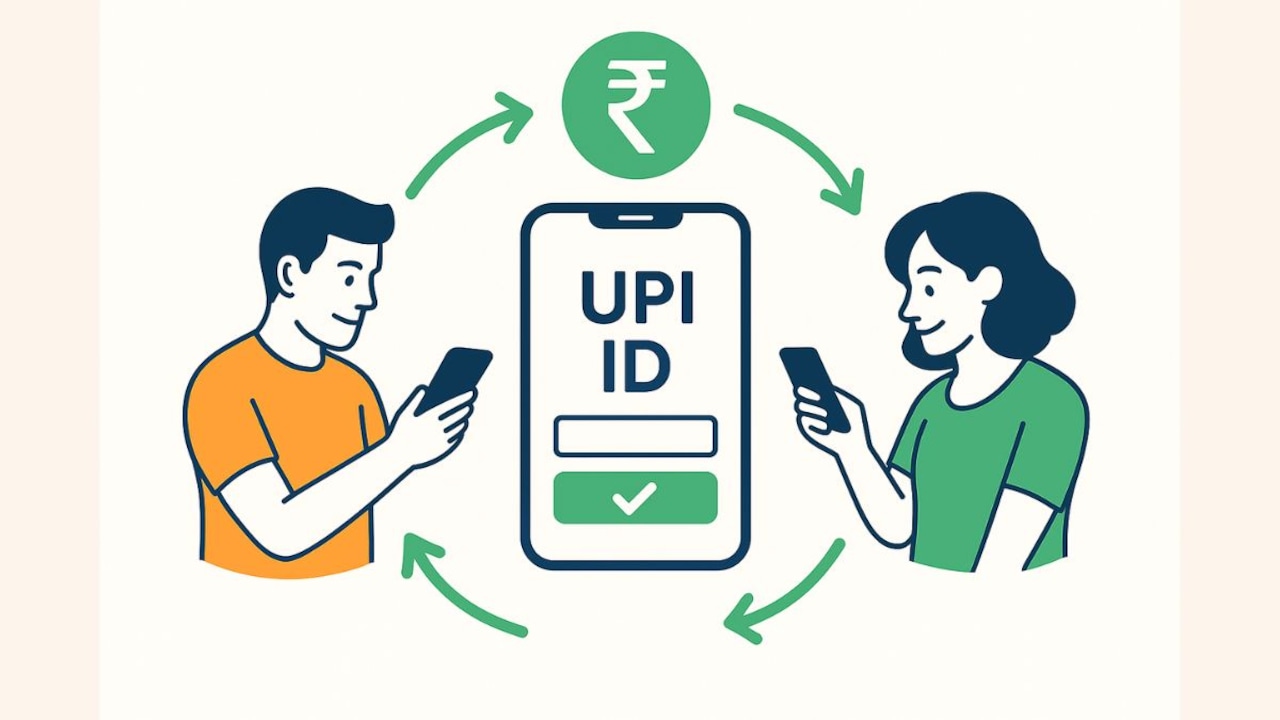
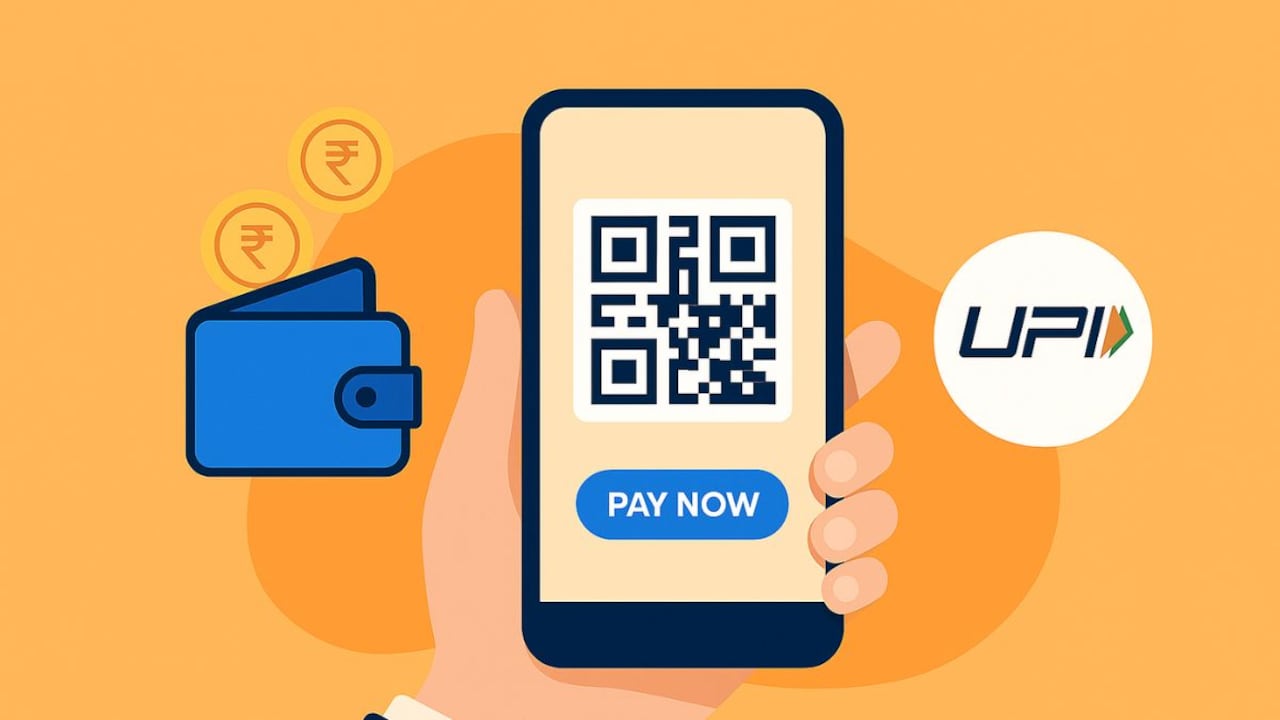
UPI helps you go cashless with quick, secure, everyday payments.
Unified Payments Interface (UPI) has quickly become the default mode of money transfer for millions in India, and for good reason. It offers a fast, simple and secure way to move money without the traditional barriers associated with bank transfers. With UPI, you no longer need to memorise account numbers, search for IFSC codes or wait through beneficiary approval periods. Most transactions can be completed in seconds using just a mobile number, UPI ID or a QR code.
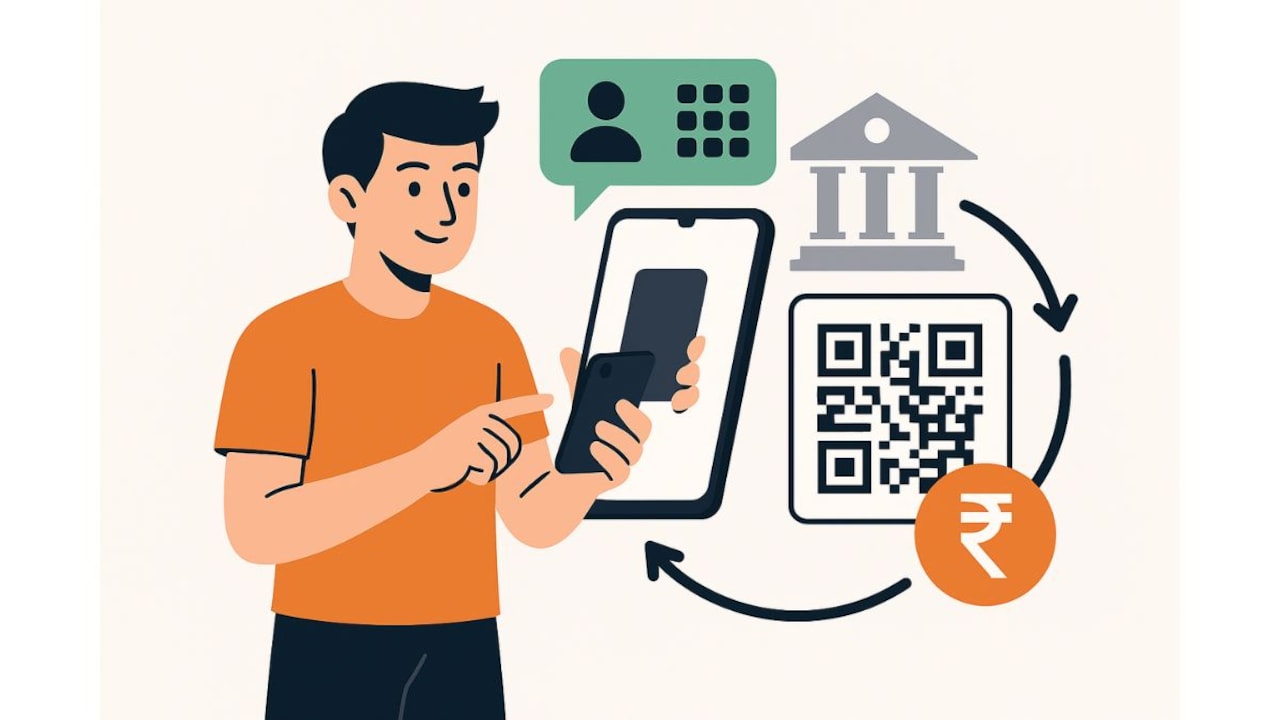
UPI lets you move money instantly without sharing sensitive banking details.
Photo Credit: Co-Pilot
This guide walks you through how UPI works for sending and receiving money, the different methods available, what to check before initiating a transfer, and the basic practices that help keep your digital payments safe and reliable.
Also Read: What Is A UPI PIN? How To Create, Reset And Protect It
What Is UPI?
UPI is an instant real-time payment system built to transfer money between bank accounts using a mobile app. It connects multiple bank accounts to a single mobile application and allows funds to move round-the-clock, including on bank holidays. You verify transactions using a UPI PIN (usually 4- or 6-digit code) set against your bank account.
Key advantages of using UPI:
- No lengthy details: Pay by mobile number, UPI ID (also called VPA), or QR code.
- Instant settlement: Payments typically complete in seconds.
- Interoperable: Works across banks and UPI apps, send from one app, receive on another.
- Free or low cost: For most use cases, there's no charge for person-to-person transfers.
- Audit trail: Each payment creates a digital record you can view in-app.
What You Need Before You Start?
Before you begin sending or receiving money through UPI, a few basic requirements must be in place to ensure a smooth and secure experience. Once these are set up, you can complete transactions in seconds without traditional banking steps.
- A UPI-enabled banking app or payments app on your smartphone.
- A SIM card in the smartphone that's linked to your active bank account.
- An active debit card linked to your bank account(required once to set or reset your UPI PIN for that bank account).
- UPI PIN set up for that bank account. This PIN authorises your UPI transactions.
Tip: You can link multiple bank accounts and choose which one to use as your default for sending and receiving.
How To Send Money via UPI
You can use any of these methods depending on what details you have from the person or merchant.
1. Send to a Mobile Number
Best when you know the recipient's UPI-linked mobile number.
Steps:
- Open your UPI/payment app and tap ‘Pay/Send'.
- Choose ‘To Mobile' (or similar).
- Enter the recipient's mobile number or pick from your contacts (ensure the contact is UPI-enabled; most apps auto-detect).
- Enter the amount.
- Add a note if needed (e.g., “Lunch split” or “Cab fare”).
- Choose the bank account to pay from (if you have multiple linked).
- Enter your UPI PIN to authorise.
- You'll see an instant confirmation if successful.
When to use: Everyday transfers to friends, family, colleagues.
2. Scan a UPI QR Code
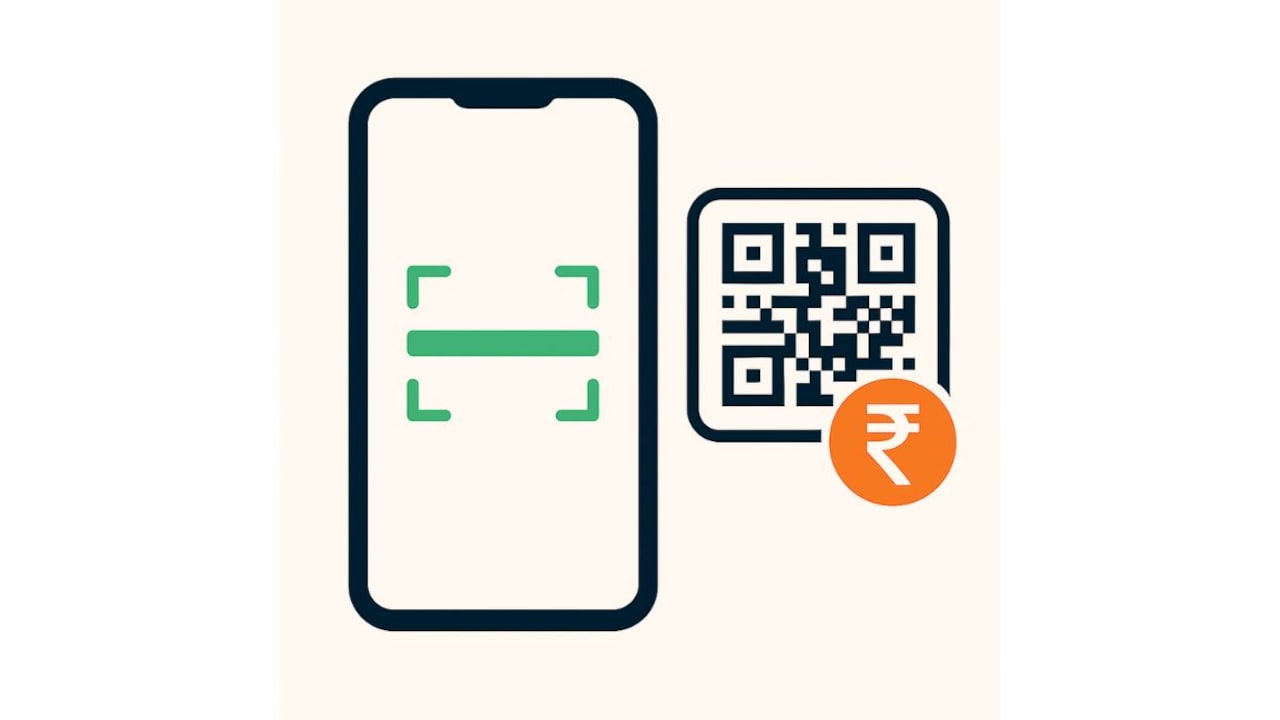
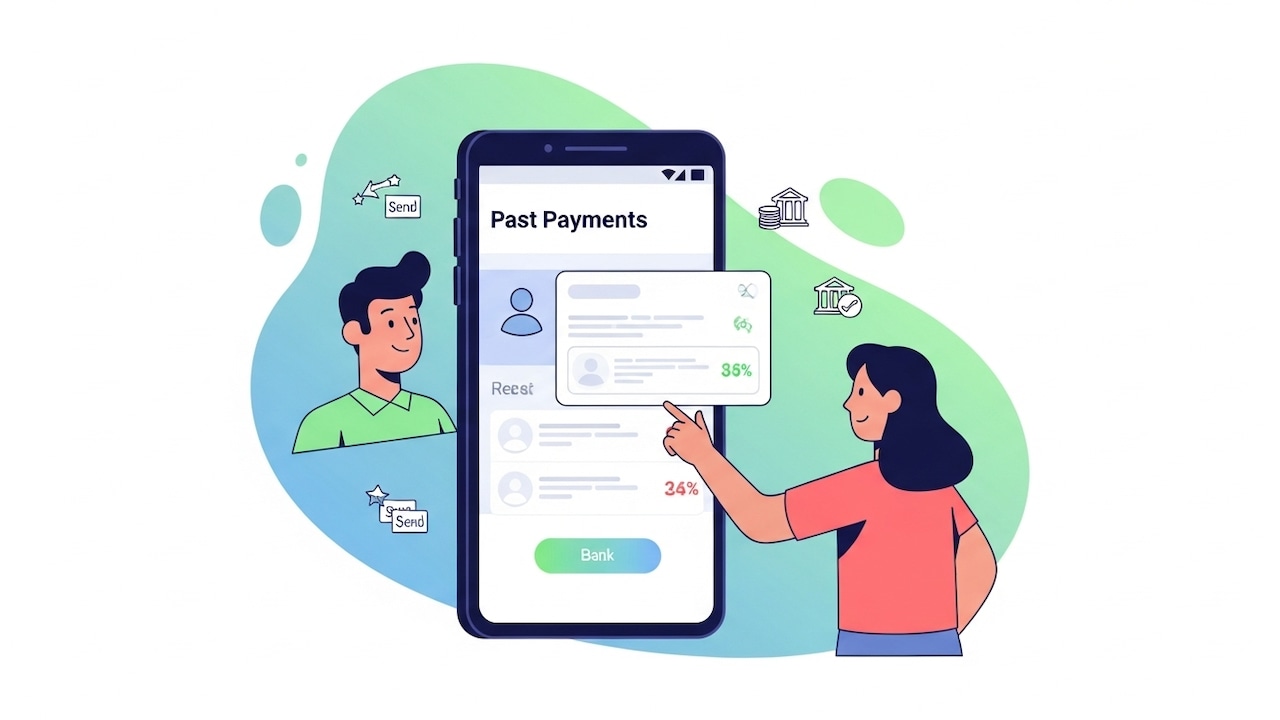
Payments can be made using a mobile number, QR code, UPI ID or bank details.
Photo Credit: Co-Pilot
Best when paying at stores, street vendors, delivery personnel, or service providers.
Steps:
- Open your app and tap ‘Scan' or ‘Scan & Pay'.
- Point your camera at the merchant's UPI QR code.
- The app fetches the payee details automatically.
- Enter the amount (if not pre-filled) and an optional note (e.g., “Groceries”).
- Confirm the account to pay from and enter your UPI PIN.
- You'll see a success screen and the merchant gets notified instantly.
When to use: Retail purchases, small businesses, quick checkouts without cash.
3. Pay to a UPI ID (VPA)
Best when someone shares their UPI ID (e.g., name@bank).
Steps:
- Tap ‘Pay/Send' and choose ‘To UPI ID'.
- Enter the UPI ID exactly as provided.
- Some apps verify the ID and show the recipient's name.
- Enter the amount and a note.
- Select the pay-from account, enter your UPI PIN, and confirm.
When to use: Online services, freelancers, or when you're sent a VPA directly.
4. Pay to Bank Account Using Account Number and IFSC
Useful when the recipient isn't sharing a UPI ID or mobile number, or you're paying a non‑UPI account.
Steps:
- Choose ‘To Bank Account' (or ‘Bank Transfer').
- Enter account number, IFSC, and account holder's name.
- Save as a beneficiary if you'll pay again.
- Enter the amount, choose your pay-from account, and authorise with UPI PIN.
- Payment completes instantly if the destination is UPI-enabled; otherwise, it may route via IMPS/Net Banking rails as supported by your app.
When to use: One-off transfers to accounts without a UPI ID or for formal account-based payments.
How To Receive Money via UPI
Receiving funds is as easy as sending them, and you don't need to share sensitive data.
Ways To Receive Money Through UPI:
- Share your mobile number (linked to your UPI profile).
- Share your UPI ID (VPA) (e.g., yourname@bank or yourname@upi).
- Show your UPI QR code for others to scan and pay.
Optional: Raise a collect request (‘Request Money'):
- Choose ‘Collect'/‘Request' in your app.
- Enter the payer's mobile number or UPI ID, the amount, and a note.
- The payer receives a payment request they can approve with their UPI PIN.
- Once approved, funds arrive instantly.
Tip: If you've linked multiple bank accounts, set one as your primary to receive funds by default. You can change it anytime.
Things To Keep In Mind While Sending And Receiving Money
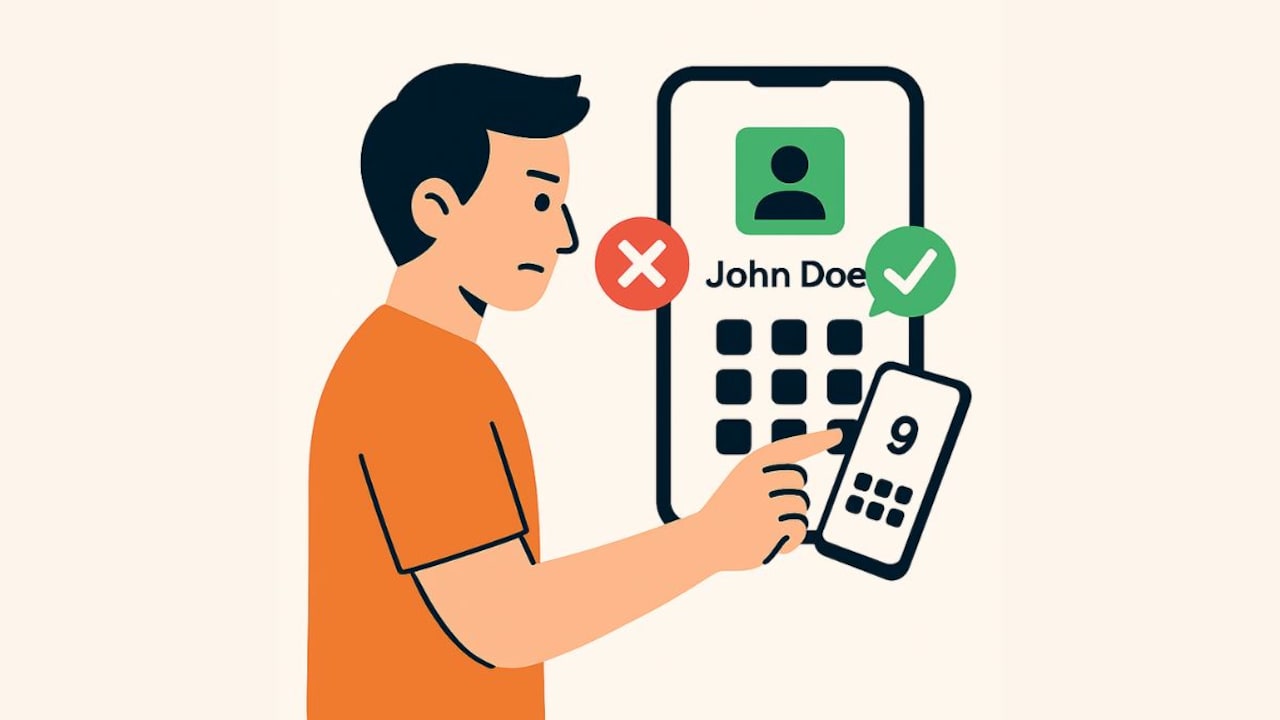
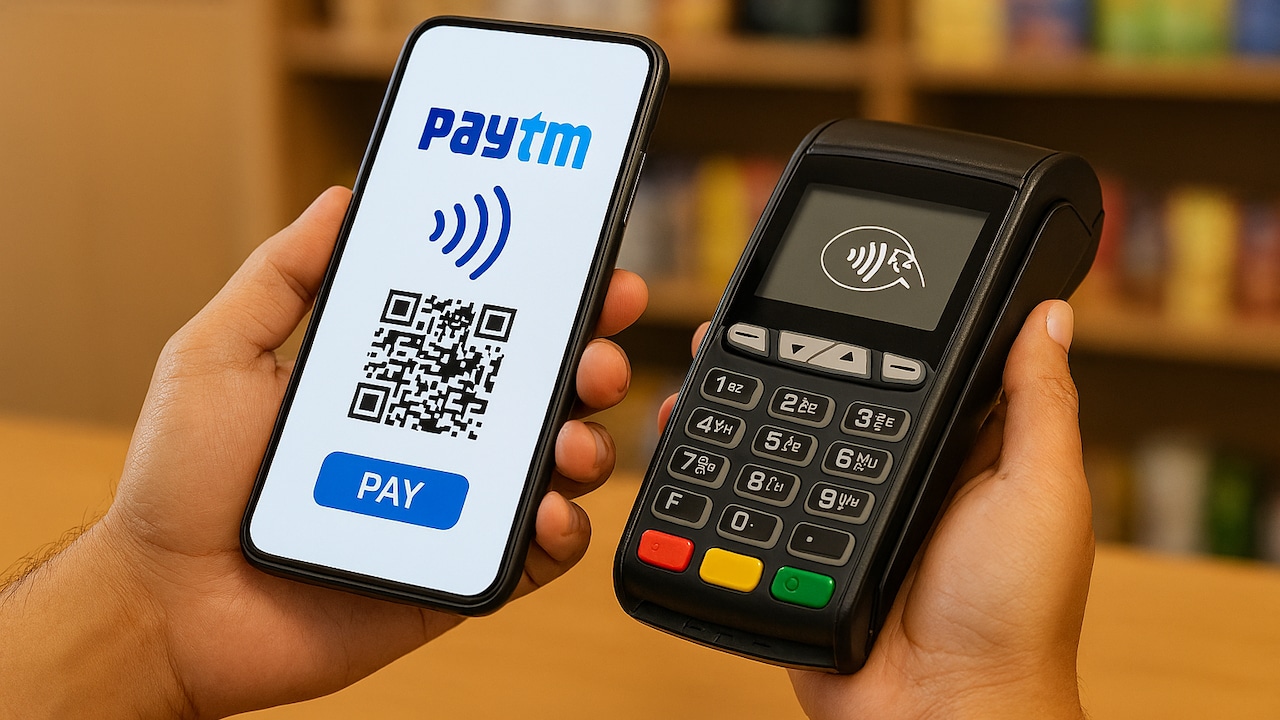
You can receive money simply by sharing your UPI ID or QR code.
Photo Credit: Co-Pilot
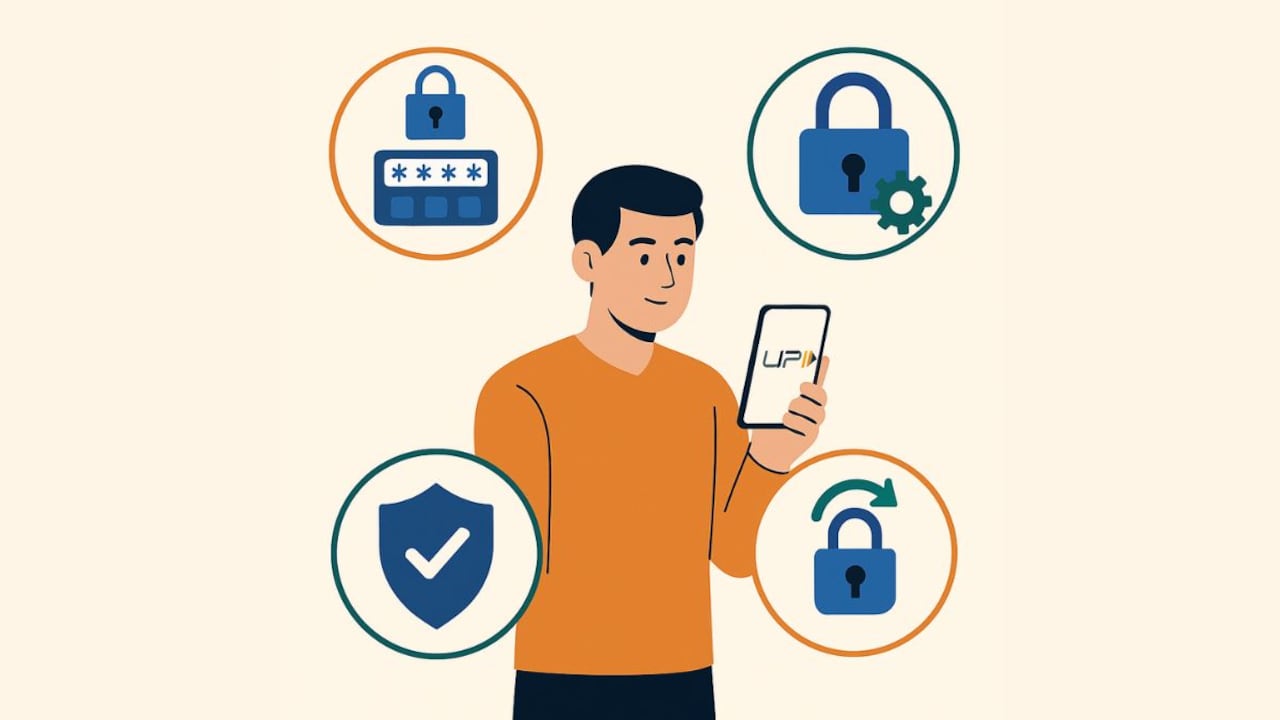
- Double-check the recipient: Look at the name the app shows before you enter your PIN. If it doesn't match, stop and verify.
- Read the amount carefully: Typos happen; confirm before authorising.
- Keep your UPI PIN private: No app, bank, or agent will ask for your PIN, OTP, or card number over calls or messages.
- Use official apps: Install from trusted app stores only. Avoid third‑party APKs.
- Secure your phone: Use screen locks and app locks. Enable alerts for transactions.
- Know your limits: Apps and banks may have per-transaction and daily limits. If a large transaction fails, split it or try again later.
- Beware of screen‑share scams: Never install remote screen-sharing apps for “support” to complete a payment.
- Check payment status: If a transaction is pending or shows ‘Processing', wait a few minutes; don't pay again immediately. Review your bank statement/transactions list before retrying.
- Use notes: Add short descriptors (e.g., “Electricity Bill- May”) to keep your records clean.
- Update the app: New versions usually include security and reliability improvements.
Troubleshooting Common Issues
- Payment failed, amount debited: In most cases, the amount is auto‑reversed to your bank account within a short window if the payment didn't go through. Check your bank balance and the app's transaction history.
- Collect request from an unknown person: Reject immediately.
- Entered the wrong UPI ID: If the payment is successful, contact your bank/app support at once and raise a dispute. Prevention, always verify the name before PIN.
- New SIM or phone: You may need to re‑verify your number and reset the UPI setup. Keep your debit card handy to set the PIN again.
- Change default bank account: Go to your profile or UPI settings, select the account you want as primary, and set it as default for send/receive.
Going Cashless Without The Hassle
UPI lets you move away from cash without changing your habits. Buy vegetables at a cart, pay your neighbourhood chemist, split dinner with friends, or settle a utility bill, without carrying a wallet. The biggest shift is convenience: you no longer need to manage change, make ATM runs, or wait for net banking approvals. Plus, with every UPI payment leaving a digital footprint, tracking expenses becomes far simpler than sifting through paper receipts.
A Seamless Way To Do All Of This: Paytm
If you're looking for a single app that keeps the above flows simple, Paytm delivers a clean, quick experience, whether you're paying contacts, scanning merchant QRs, entering a UPI ID, or doing a traditional account‑and‑IFSC transfer. The app automatically detects if a number is UPI-enabled, supports linking multiple bank accounts, and lets you set a primary account for receiving money. You can switch the paying account on the fly during a transaction, view a unified list of recent UPI payments, and track each transaction's status without digging around.
What this looks like in practice on Paytm:
- Send to a contact: Pick a phonebook contact or enter a mobile number, add an amount, authorise with your UPI PIN, and you're done in seconds.
- Scan And Pay: Point your camera at any UPI QR (from retail shops, street vendors, delivery partners), confirm the name shown, enter the amount, and pay securely.
- Pay to a UPI ID: Type the VPA, confirm the name, and complete with your UPI PIN.
- Transfer to bank a/c + IFSC: When needed, add the account details and pay, instantly if UPI-enabled.
- Manage accounts: Link multiple bank accounts, set/change your UPI PIN, choose a primary account, and switch payment accounts per transaction.
- Stay organised: View recent transactions and notes, making reconciliation and expense tracking easier.
If you haven't used UPI recently, or you've been juggling different apps, install Paytm to get started quickly. If you already have it, try using Paytm UPI as your daily driver for contact payments, QR scans, or UPI ID transfers. It's a practical way to go cashless without adding complexity, and with instant confirmations and clear records, it fits neatly into everyday life.
UPI removes friction from money movement. Whether you send to a mobile number, scan a QR, pay a UPI ID, or even use account and IFSC, the flow is fast and predictable. Add a few sensible checks like, verify the name, keep your UPI PIN private, and read the amount carefully, and you'll find UPI to be a safe, dependable replacement for cash and conventional transfers. If you want these flows in one place with straightforward controls and clear records, Paytm UPI is a solid, everyday choice, easy to install, easier to use, and built for quick, cashless payments.
Frequently Asked Questions (FAQs)
1. What is a UPI ID?
A UPI ID, also known as a Virtual Payment Address (VPA), is a unique identifier that links your bank account to UPI. It allows you to send and receive money without sharing account numbers or IFSC details.
2. Can I send money through UPI without adding a beneficiary?
Yes. UPI doesn't require adding beneficiaries. You can transfer money instantly using a mobile number, UPI ID, QR code or bank account details.
3. Is it safe to share my UPI ID with others?
Yes, sharing your UPI ID, QR code or UPI-linked mobile number is safe. However, never share your UPI PIN, OTP or debit card details with anyone.
4. Why did my UPI payment fail?
UPI transactions may fail due to connectivity issues, bank server delays or wrong details. If money is deducted, it usually gets reversed automatically within a short period.
5. Can I use UPI without a debit card?
You need a debit card initially to set up your UPI PIN. After that, you can use UPI normally without using the card again unless you reset your PIN.
(Disclaimer: This article may include references to or features of products and services made available through affiliate marketing campaigns. NDTV Convergence Limited (“NDTV”) strives to maintain editorial independence while participating in such campaigns. NDTV does not assume responsibility for the performance or claims of any featured products or services.)