What Is A UPI PIN? How To Create, Reset And Protect It
Learn what a UPI PIN is, how to create or reset it, and essential best practices to keep your digital payments secure. Simple, clear, and beginner-friendly guide.
UPI has become one of the most widely used ways to move money between bank accounts in India
UPI has become one of the most widely used ways to move money between bank accounts in India. Whether you are paying a friend back, settling a bill, sending money to a relative, or completing an online purchase, UPI enables the transfer to happen instantly from your bank account without the need for cash, cards or net‑banking passwords. In January 2026 alone, UPI transactions were valued at nearly ₹28.33 trillion*, reflecting how strongly digital payments have become the preferred mode for everyday spending. This widespread adoption is driven by UPI's simplicity, speed, and its secure authorisation layer, the UPI PIN, which ensures that only the account holder can approve a transaction.
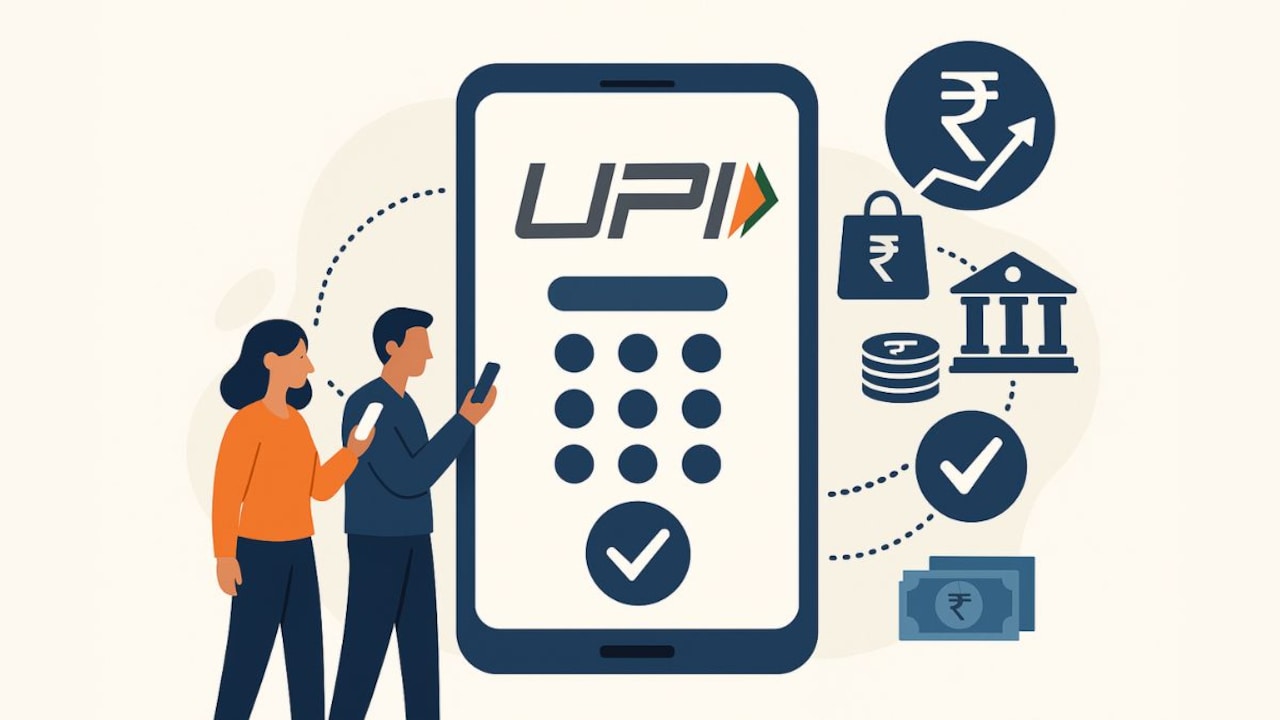
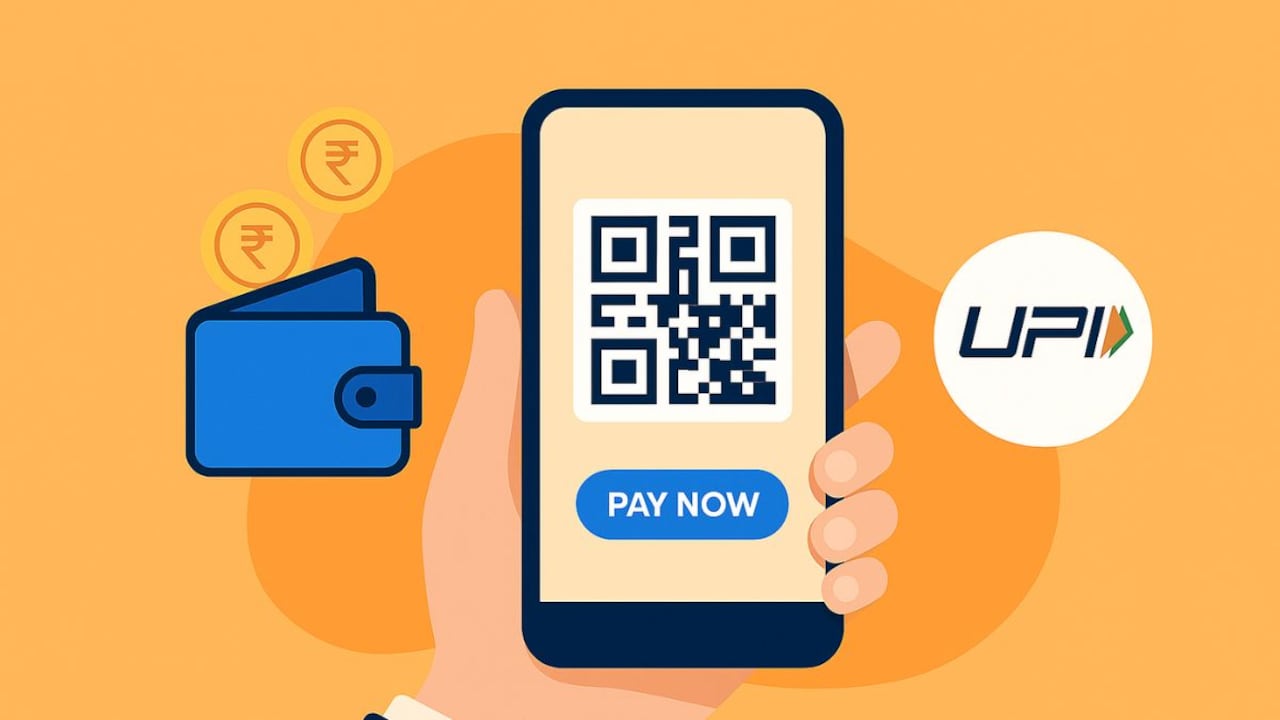
UPI has transformed everyday payments in India by making money transfers instant, secure, and available 24/7.
Photo Credit: Co-Pilot
Many people use UPI every day, yet not everyone fully understands how this PIN works, why it matters, or how to protect it. As digital payments continue to expand across the country, knowing how your UPI PIN functions is no longer optional; it has become a basic financial skill.
Also Read: How To Keep Your Digital Transactions Safe: A Simple Guide To Safe Mobile Transactions
What Is A UPI PIN?
A UPI PIN (Unified Payments Interface Personal Identification Number) is a 4- or 6-digit code that you create for each bank account linked to UPI. Every time you initiate a transaction, whether it's paying an electricity bill, sending money to a contact, or approving an auto-debit, the system asks for this PIN. Entering it confirms that you authorise the transfer.
A few characteristics define the UPI PIN:
- It is tied to your bank account, not to any app.
- It remains the same across all UPI apps linked to that account.
- You decide the PIN; the bank does not set it for you.
- It must remain confidential at all times.
It's also important to differentiate it from other credentials. A UPI PIN is not your ATM PIN, and it is not the same as an OTP (One-Time Password). OTPs are only used for verification during setup or reset; the UPI PIN is the one used during payments.
How To Set Your UPI PIN For The First Time
Setting up a UPI PIN is usually part of the onboarding process on any UPI-enabled app. The app verifies your mobile number, fetches your bank accounts, and then asks you to create your PIN.
Here's the typical flow:
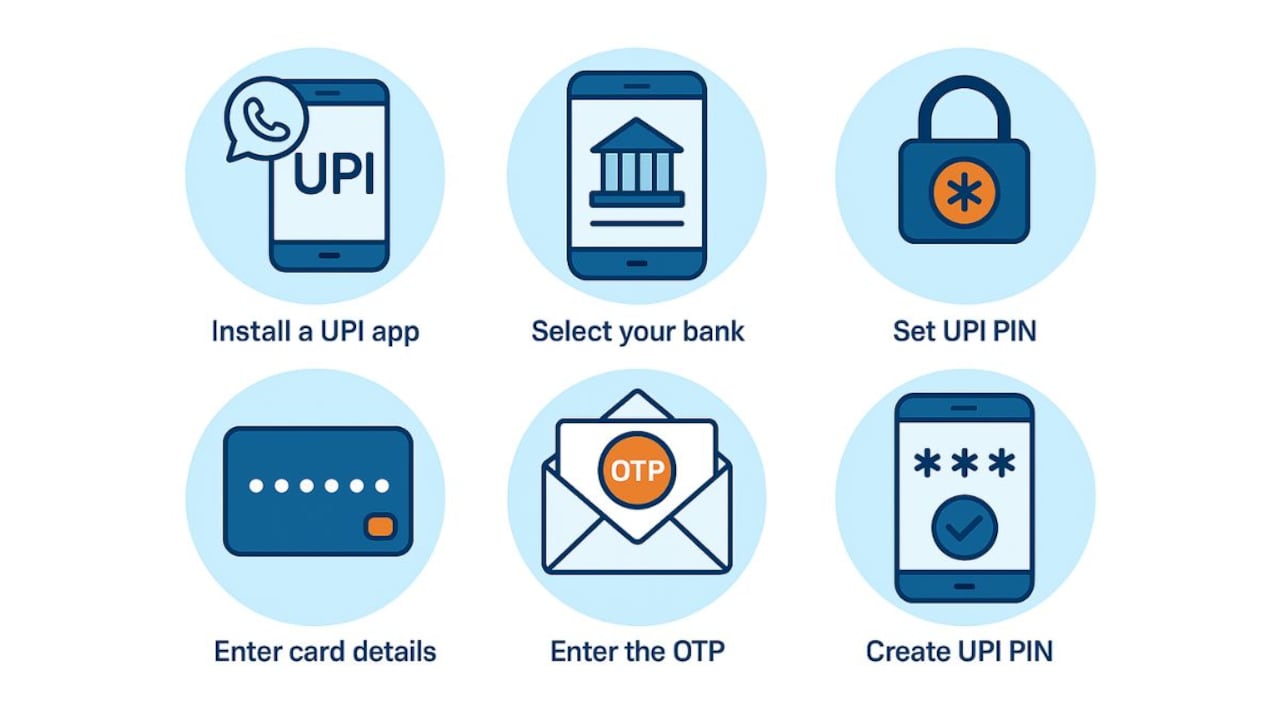
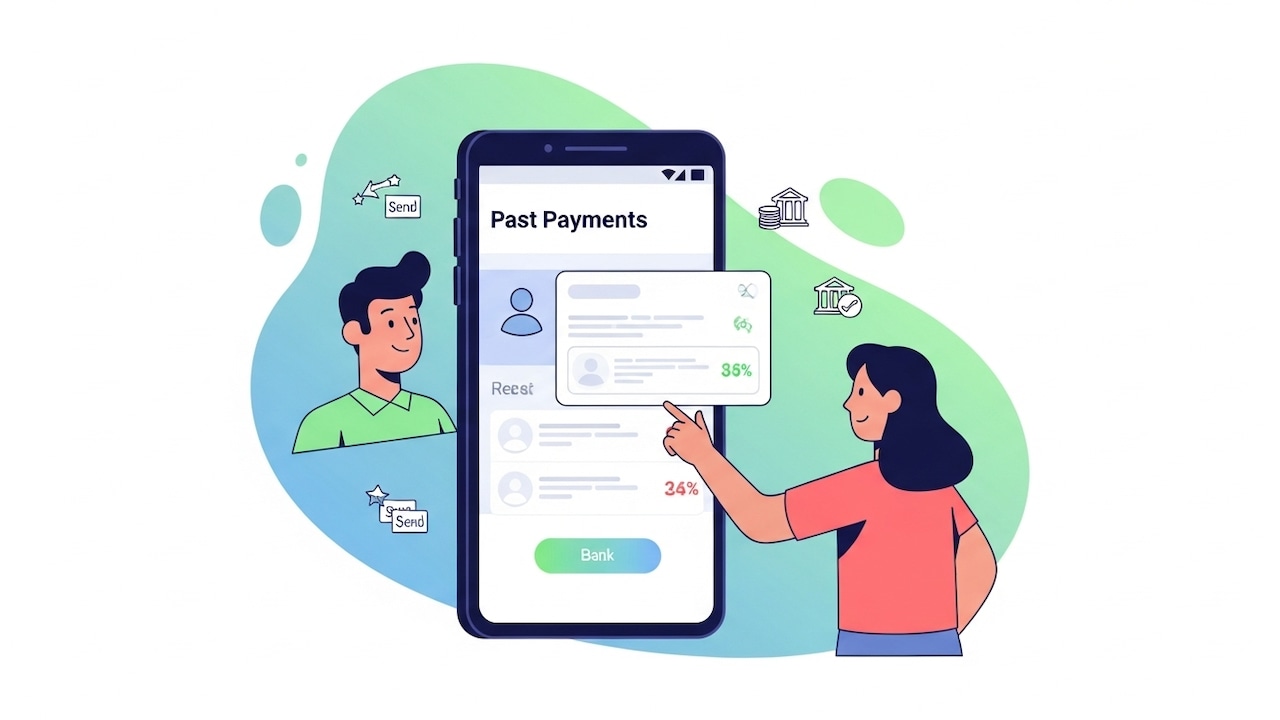
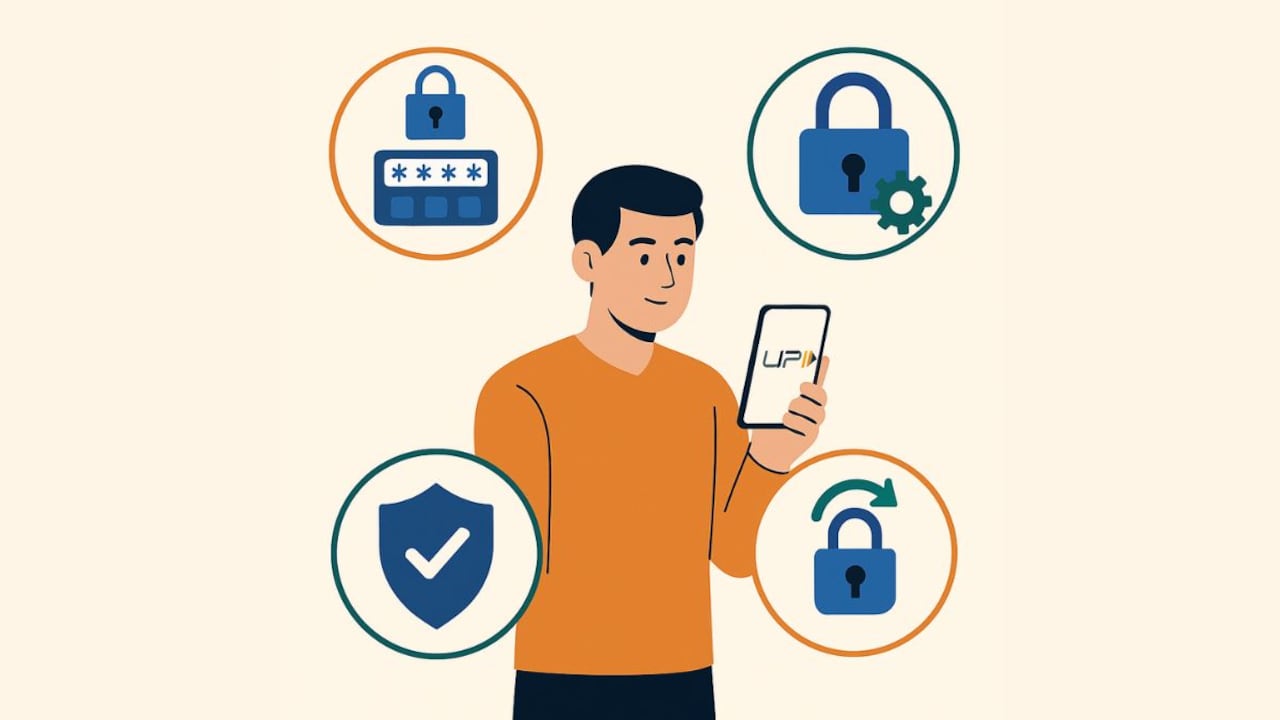
A strong PIN keeps your digital payments secure.
Photo Credit: Co-Pilot
- Install a UPI app and verify your registered mobile number.
- Select your bank you want to set UPI on; the app will fetch your list of accounts automatically.
- Choose Set UPI PIN.
- Enter your debit card details (usually last six digits + expiry date).
- Enter the OTP sent to your registered number.
- Create and confirm your UPI PIN.
The process activates instantly, and you can start using UPI right away.
How To Change Your UPI PIN
If you want to change your PIN, either as a safety practice or simply to update it, the process is straightforward.
Inside the UPI app, navigate to your linked bank accounts section. Choose the account and select the Change PIN option. You will first need to enter your existing PIN, and then you can set a new one. Once updated, the new PIN becomes active across all UPI apps linked to that bank account.
Changing your PIN periodically is a good habit, especially if you suspect someone may have seen you entering it.
How To Reset Your UPI PIN If You Forget It
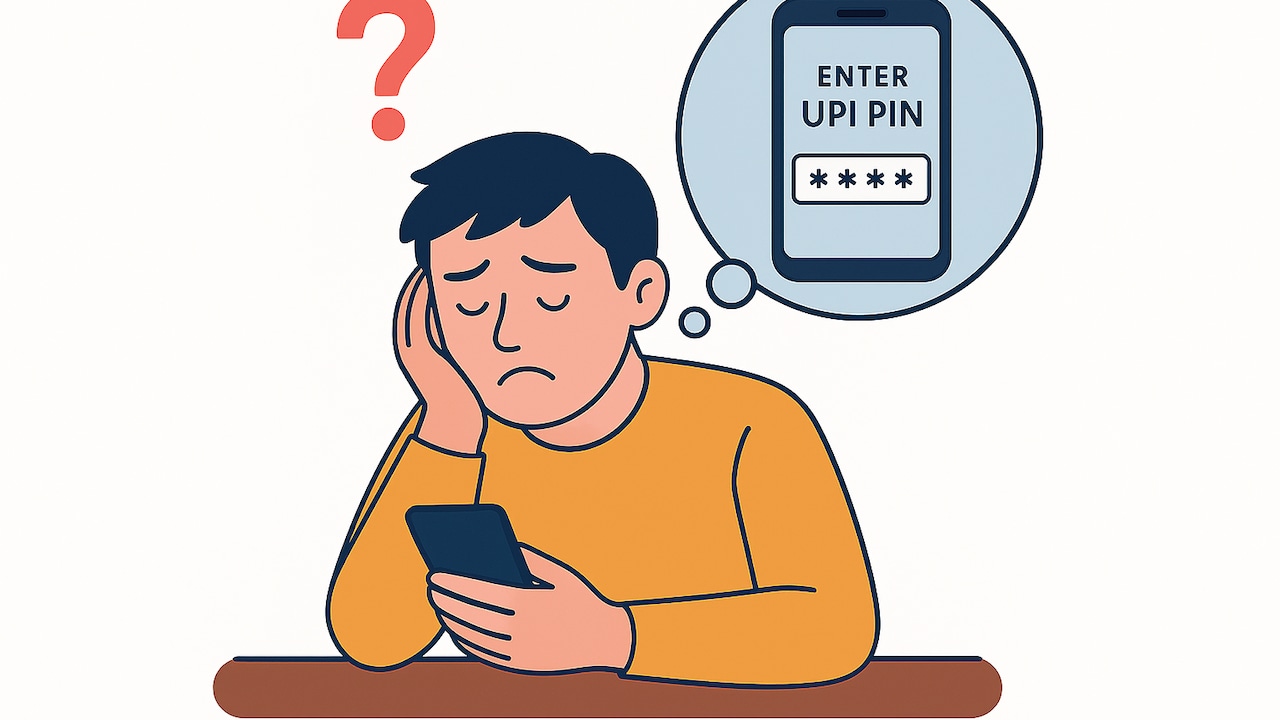
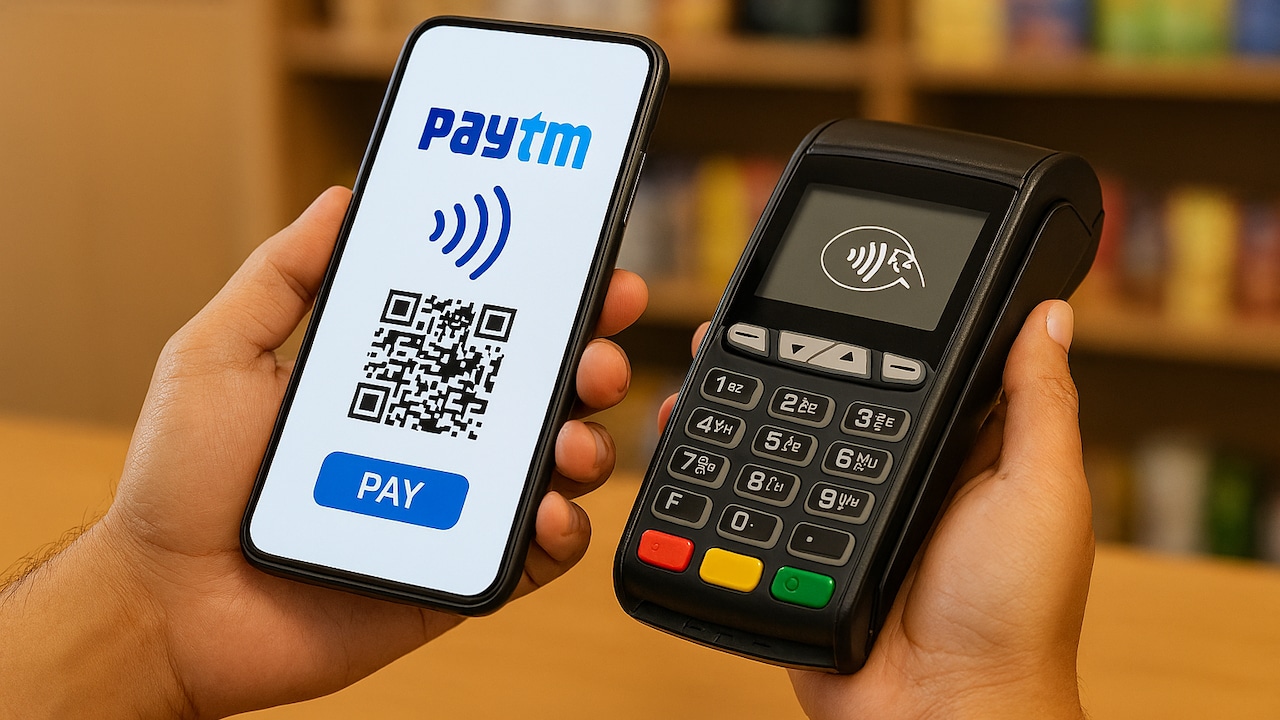
Resetting a forgotten UPI PIN takes only a few steps.
Photo Credit: Co-Pilot
Forgetting a UPI PIN is common, especially if you use multiple bank accounts. Fortunately, resetting it follows a simple verification process.
To reset:
- Open your UPI app and go to Bank Accounts / UPI settings.
- Choose the account and then tap Reset / Forgot UPI PIN.
- Re-enter debit card details, followed by verifying the OTP.
- Set a new UPI PIN.
Note: If your debit card has expired or is blocked, you may need a working one before you reset the PIN. Additionally, entering the wrong PIN many times can temporarily lock PIN attempts, this is a bank-level safety measure.
Best Practices To Keep Your UPI PIN Secure
Protecting your UPI PIN does not require complex steps. A few practical habits can go a long way in preventing fraud.
1. Never share your UPI PIN or OTP
Banks, app companies, delivery agents or customer care executives will never ask for it. If anyone does, it is a scam.
2. Be cautious with payment requests
A “collect request” (or payment request) means someone is asking you to send money. Approve only those you expect.
3. Avoid screen-sharing
Fraudsters may ask you to install remote-access apps. Avoid granting screen or device access to anyone claiming to “help you with UPI issues.”
4. Keep your phone secure
Use a screen lock, update the operating system and install apps only from trusted app stores.
5. Shield your screen in public
When entering your PIN at shops or public places, hold your phone in a way that others cannot view your screen.
6. Check alerts regularly
SMS alerts and app notifications help you quickly spot unauthorised debits.
7. If your phone or SIM is lost
Immediately block your SIM and inform your bank to suspend UPI access.
8. Change your PIN periodically
It reduces the risk of misuse if your PIN has ever been observed.
These small checks reduce vulnerabilities significantly while keeping things simple for everyday use.
Going Cashless With UPI And How Paytm Helps
For users who want a seamless experience while using UPI daily, from setting the UPI PIN to making payments or tracking expenses, the Paytm app serves as a practical, feature-rich option.
It simplifies the initial setup by letting you link your bank account smoothly and set your UPI PIN directly through the app interface. Its UPI and Bank Accounts section allows you to update your PIN, view linked accounts, track reversals, and check refund timelines without confusion.
Those who already use Paytm can revisit the Payment Settings area to update their PIN or monitor recent transactions. Meanwhile, new users can install the app and start making secure UPI payments within minutes, whether paying bills, scanning a QR code at a shop, or transferring money to a friend.
Paytm's UPI services also make it easy to go cashless, offering clarity on transaction history, reward eligibility, and refund status, which helps maintain transparency in day‑to‑day digital payments.
A well-protected UPI PIN keeps your financial activity safe while letting you enjoy the convenience of instant payments. With the right safety habits and a dependable app like Paytm managing transactions, going cashless becomes easier, safer and far more efficient.
Frequently Asked Questions (FAQs)
1. What is a UPI PIN?
A UPI PIN is a 4‑ or 6‑digit code set by the user to authorise transactions made through the Unified Payments Interface. It ensures that only the account holder can approve payments.
2. Is my UPI PIN the same as my ATM PIN?
No. Your UPI PIN is different and is used only for UPI transactions. It is advisable to keep both PINs separate for security.
3. Do I need a UPI PIN to receive money?
No. You only need a UPI PIN when you are sending money, not when receiving it.
4. What should I do if I forget my UPI PIN?
You can reset it through your UPI app using your debit card details and the OTP sent by your bank.
5. How can I keep my UPI PIN secure?
Never share your PIN, avoid screen‑sharing apps, keep your phone locked, and always verify payment requests before approving them.
*Source: NPCI Product Statistics (Read Here)
(Disclaimer: This article may include references to or features of products and services made available through affiliate marketing campaigns. NDTV Convergence Limited (“NDTV”) strives to maintain editorial independence while participating in such campaigns. NDTV does not assume responsibility for the performance or claims of any featured products or services.)