Never Lose A Receipt Again: The Smart Way To Download Paytm Payment Proofs
Master the simplest ways to fetch Paytm payment receipts for taxes, reimbursements, and peace of mind. Learn where to tap, which format to pick, and how to stay secure while sharing statements.
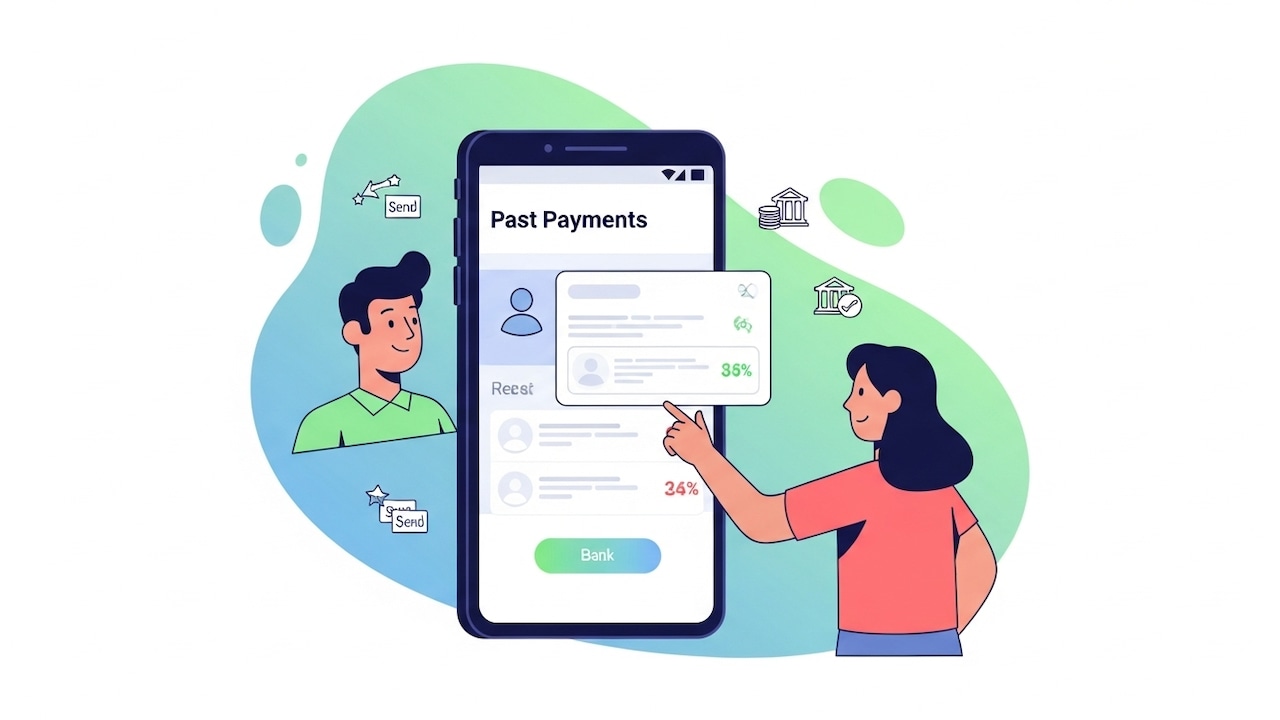
How To Download Payment Receipts On Paytm
Paytm has become a daily habit for grocery runs, utility bills, and quick transfers, but receipts often go missing just when you need them for claims, audits, or taxes. The good news is that the app lets you view detailed transaction history and download statements that double up as payment receipts. You can pick a custom date range, export in PDF for easy viewing or Excel for analysis, and even share securely. In short, it is simple, reliable, and perfect for staying financially organised.

How To Download Payment Receipts On Paytm
Photo Credit: Pexels
This guide walks you through the exact taps to find, download, and store your Paytm receipts like a pro. We cover both consumer UPI payments inside the main app and pointers for invoices or merchant statements where relevant. You will also learn useful filters, formats, and safety tips to keep sensitive data protected when sharing with accountants, employers, or family. The steps reflect Paytm's current interface, including the Balance And History hub and the ability to export as PDF or Excel for deeper analysis.
Also Read: Transactions With Paytm's "Hide Payment" Feature: Private, Simple And Built For Real Life
Find And Download Receipts From Balance And History
The most dependable way to produce a receipt is to download a statement from the Balance And History section. Open the Paytm app, tap Balance And History on the home screen, then select Download UPI Statement from the menu or the download icon near the search bar. Choose a date range such as last month, last three months, or a full financial year. Select PDF for readable receipts or Excel for analysis, tap Request, then Download when it is ready. Share it via email, WhatsApp, or save to files.
Pick The Right Format: PDF For Proof And Excel For Analysis
If you only need a clean proof for HR, travel claims, or audits, pick a PDF and keep it as your official receipt set. If you want to total spends, filter categories, or reconcile across accounts, choose Excel. Paytm has rolled out Excel exports in addition to PDF, making it easier to sum, sort, and annotate your data. This is helpful for tax season and monthly budgeting, and is available on both Android and iOS once your app is updated to the latest version.
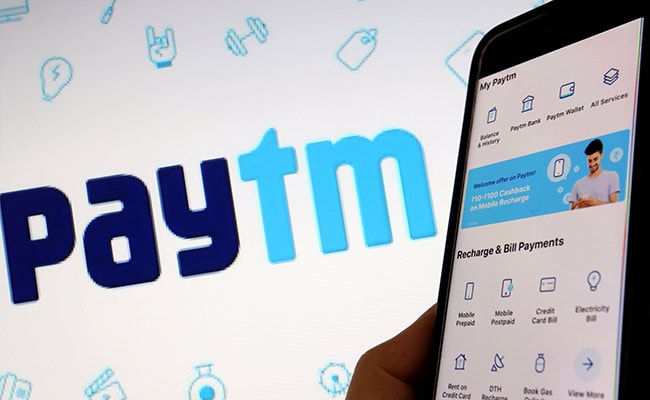
How To Download Payment Receipts On Paytm
Credit:Paytm
Grab A Single Payment's Proof In Seconds
When you only need proof for one transaction, you do not have to download an entire statement. Go to Balance And History, scroll your Payment History, and tap the specific payment. You will see the amount, time, status, and UPI reference ID. Use the share option on that screen to send details as proof. This is fast for vendor confirmations and quick reimbursements when a full statement would be overkill.
Need Shopping Invoices? Head To Your Orders
Receipts for UPI transfers differ from invoices for shopping orders. If you bought an item via Paytm Mall, open your orders, select the purchase, and use the Invoice button to download the official tax invoice as a PDF. This is the document you will usually need for warranty claims, returns, and GST records. The same approach works via the web portal or app once you sign in, locate the order, and select the invoice option on the order details page.
Also Read: How To Pay Credit Card Bills Using Paytm: A Step-By-Step Guide, Tips And Rewards
Use Filters And Date Ranges To Save Time
Do not scroll endlessly through months of activity. In Payment History, use search and filters to narrow results by status like Success, Pending, or Failed, and by type like Paid or Received. You can also target a linked bank account if you use multiple. When exporting, choose a clean date span or the entire financial year so the statement aligns with your accounting period. This keeps your receipt pack tidy and consistent for audits and claims.
Keep Sensitive Data Safe When Sharing
Statements can display names, timestamps, notes, bank accounts used, and other identifiers, especially in Excel. Share documents only with trusted recipients, and consider redacting non‑essential columns before forwarding externally. If you are emailing a PDF, set a password and share it through a different channel. These simple hygiene practices protect your financial footprint while still providing accurate receipt proof to HR teams, merchants, or auditors who request it.

How To Download Payment Receipts On Paytm
Photo Credit: co-pilot
Downloading Paytm receipts is straightforward once you know where to look and which format suits your task. For everyday proof, export a PDF from Balance And History. For budgeting and taxes, request Excel and run your sums and filters. For physical goods, retrieve the formal invoice under Orders. Use filters for speed, keep your date ranges neat, and always share responsibly to protect personal data. With these habits, your receipts will be ready on demand, whether you are filing claims or simply keeping your finances in order.
Frequently Asked Questions (FAQs)
Q1. How do I download a Paytm receipt for a specific period?
Open the app, tap Balance And History, choose Download UPI Statement, set your date range, and pick PDF or Excel before requesting the file. Once generated, tap Download and save or share it securely.
Q2. What is the difference between a UPI statement and a shopping invoice?
A UPI statement lists transfers, bill payments, and refunds across a date range, and works as proof of payment. A shopping invoice is the GST invoice for a specific order and is found under your Orders with an Invoice button.
Q3. Can I export my Paytm receipts to Excel for analysis?
Yes. Paytm supports exporting statements in Excel as well as PDF, helping with expense tracking and tax preparation. Ensure you are on the latest app version and choose Excel when requesting the statement.
Q4. Where can I see all details for a single payment if I do not want a full statement?
Go to Balance And History, tap the transaction, and review status, time, and UPI reference ID. Use the share option on that screen to send quick proof without downloading a full statement.
Q5. Is there a way to speed up finding one old transaction?
Yes. Use the search bar and filters within Payment History to limit results by status, type, or linked bank account, then export only the exact date range you need. This reduces clutter and saves time.
(Disclaimer: This article may include references to or features of products and services made available through affiliate marketing campaigns. NDTV Convergence Limited (“NDTV”) strives to maintain editorial independence while participating in such campaigns. NDTV does not assume responsibility for the performance or claims of any featured products or services.)