Payment Failed? Here Is Everything You Need To Know About UPI Refunds And Reversals
Here is everything you need to know about why payments fail, how UPI refunds and reversals work, how long it takes for money to return, and what steps to take when a transaction doesn't go through. A simple guide for worry-free digital payments.
Monitor your transaction history regularly to catch issues early.
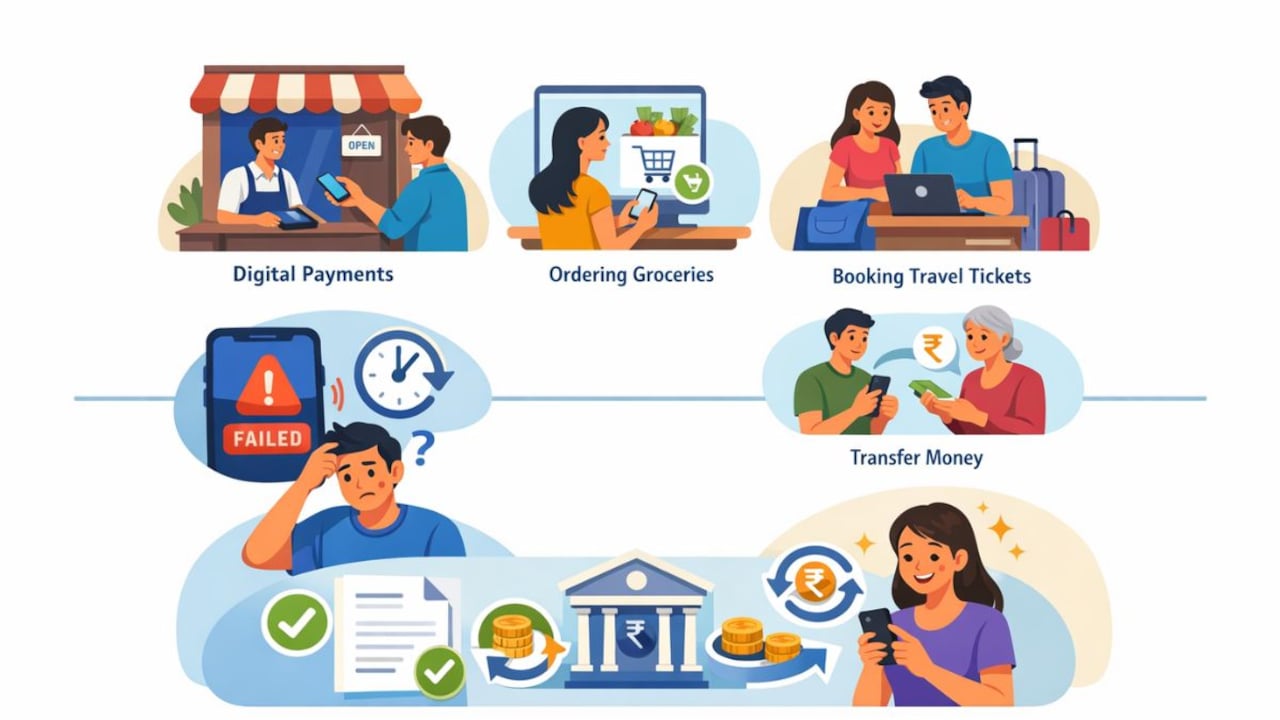
Digital payments are now a routine part of our everyday lives. Whether we are paying at a local shop, ordering groceries, booking tickets, or transferring money to a family member, the Unified Payments Interface (UPI) has made the process simple, quick, and widely accessible. But as convenient as UPI is, there are times when a payment does not go through as expected. Sometimes it takes longer than usual; at other times, it fails altogether. In such moments, understanding how refunds and reversals work becomes extremely important and helps prevent unnecessary panic.
Always check the beneficiary's name before confirming a UPI payment.
Photo Credit: Co-Pilot
This guide explains what happens behind the scenes when a payment fails, how your money returns to you, and what steps you can take if something seems amiss. Towards the end, we also look at how using a reliable UPI app can support a smoother and more secure experience.
Also Read: Your Complete Handbook To UPI Payments In India
Understanding UPI: An Easy And Secure Way To Pay
Unified Payments Interface (UPI) is a real‑time payment system that links multiple bank accounts to a single mobile application (from any participating bank). It merges several banking features, smooth fund transfers, and merchant payments into one platform.
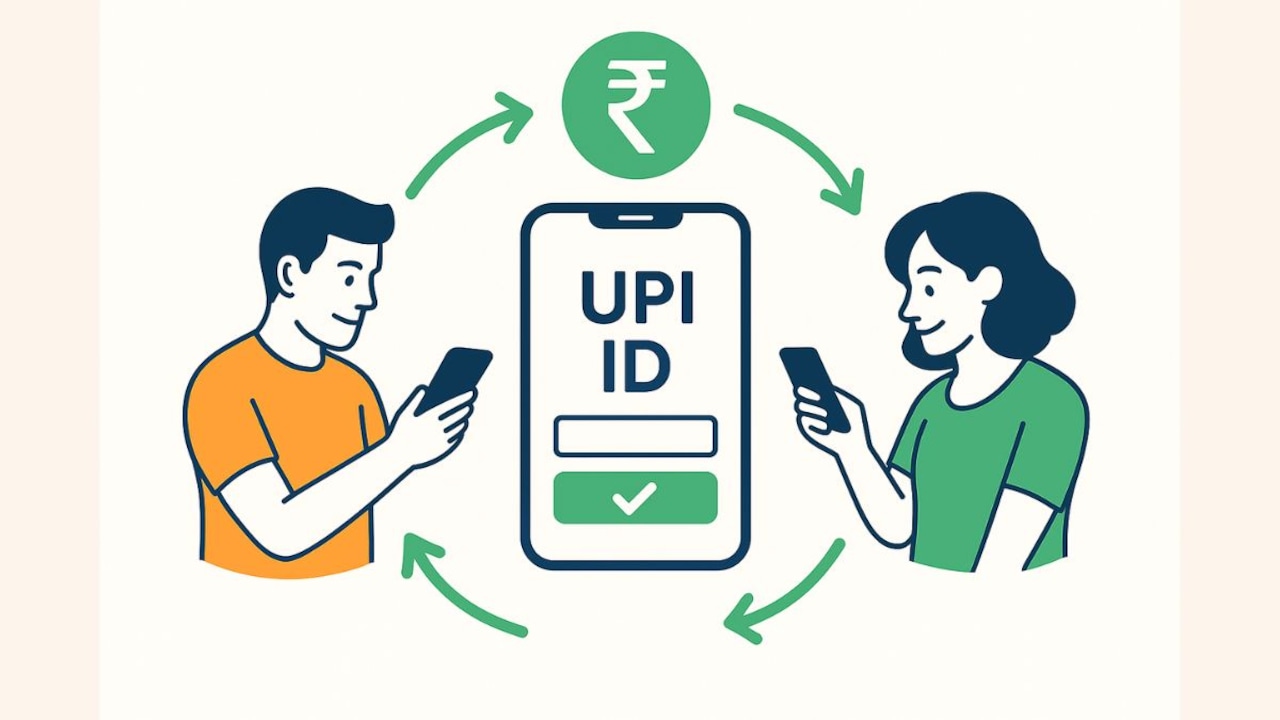
Through this system, you can send or receive money using only a virtual payment address, your UPI ID, without sharing sensitive details like your bank account number or IFSC code.
In simple terms, UPI acts as a bridge between your bank and the person you are paying. It works 24/7, including weekends and bank holidays, making it far more flexible than traditional banking methods.
Understanding Refunds And Reversals
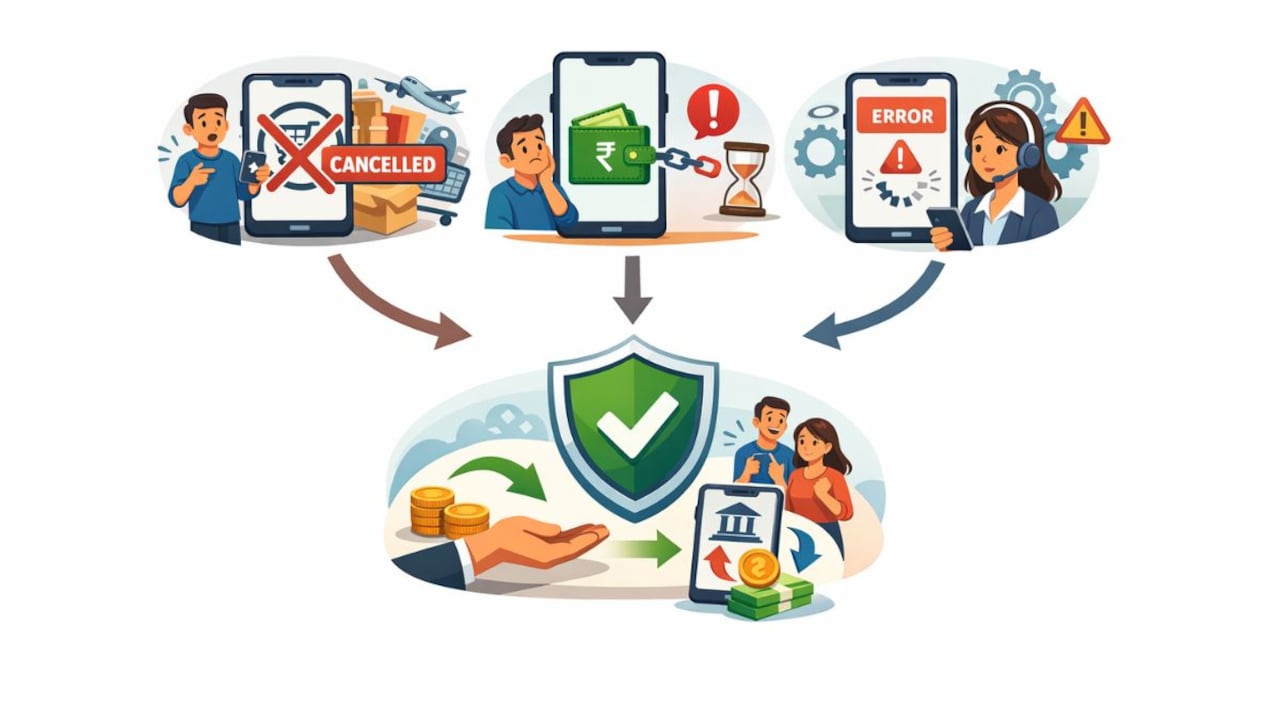
A reversal is automatic when a payment doesn't reach the receiver, whereas refunds are processed by the merchant.
Photo Credit: Co-Pilot
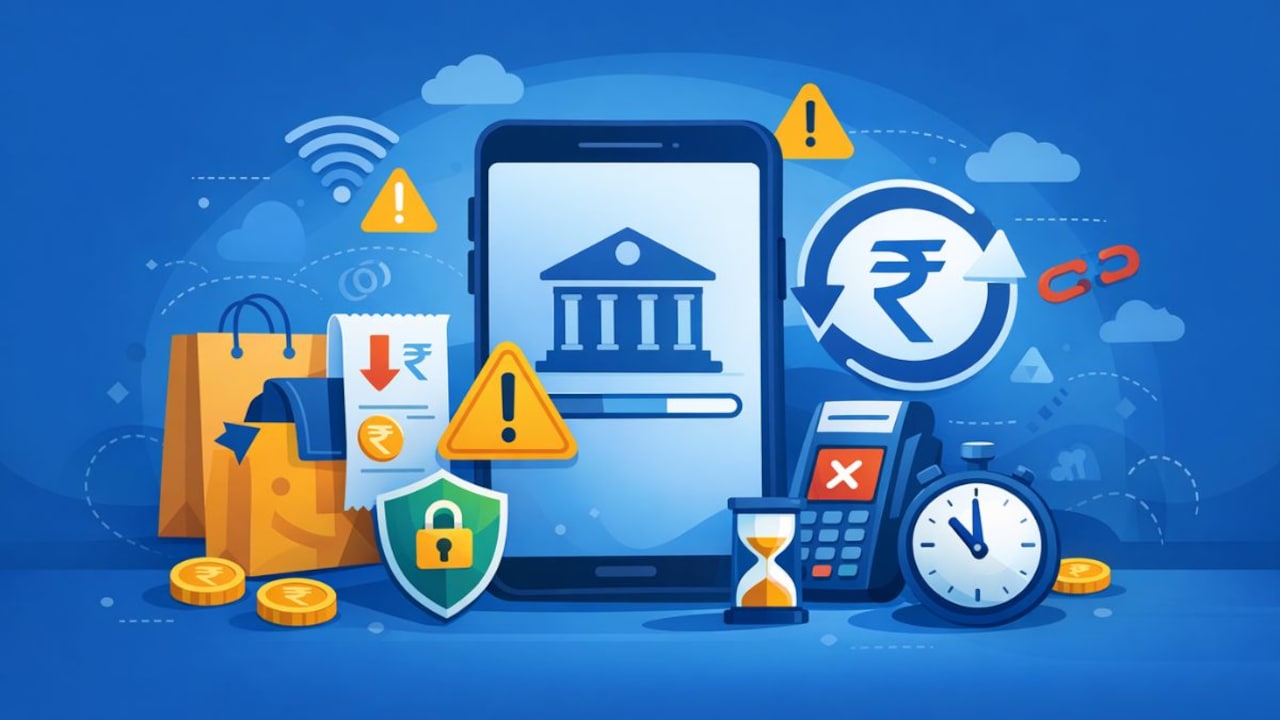
Although UPI transactions are mostly smooth, with most payments completing within 10 seconds, situations can still arise where:
- A payment gets deducted, but the service or product is cancelled
- The money leaves your account, but does not reach the receiver
- A technical error interrupts the transaction
In all these cases, don't fret, your money is not lost. It is either refunded or reversed, depending on the situation. Knowing how each works helps you stay calm and informed when something unexpected happens.
What Happens When You Make A UPI Payment
Every UPI payment follows a simple journey:
- You open your chosen UPI app and tap on the “send money” option.
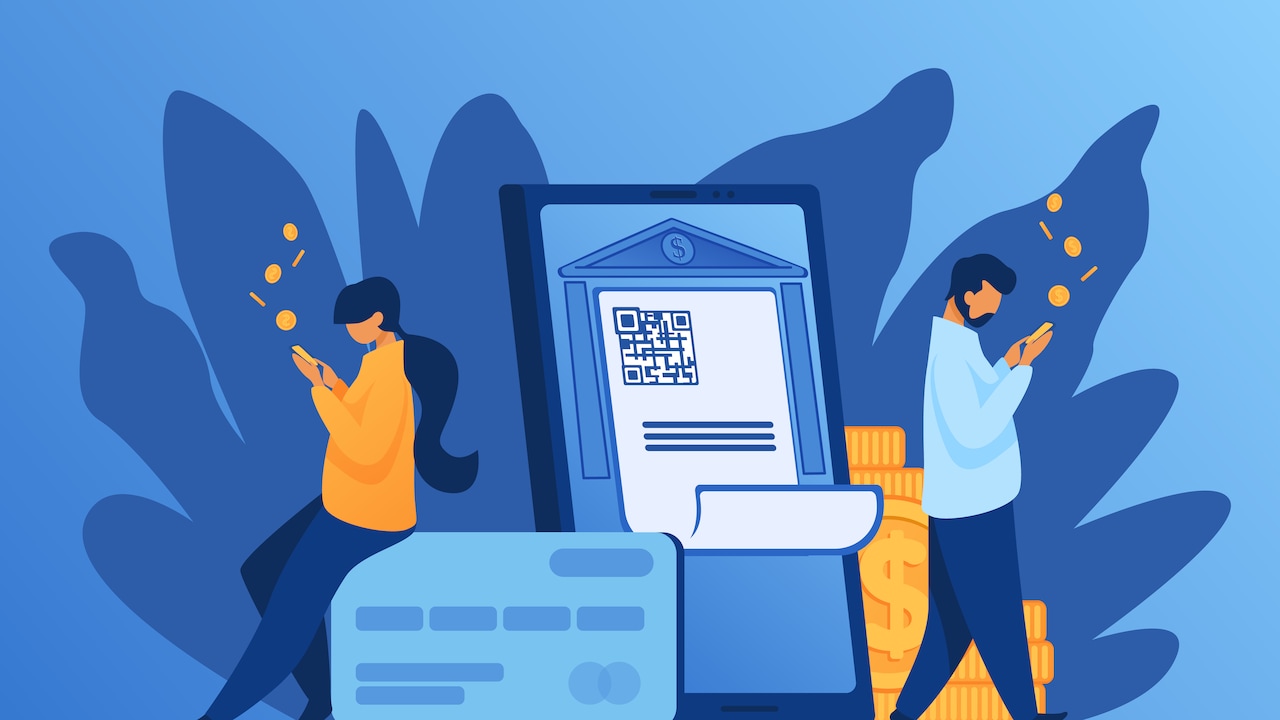
- You either add receiver's UPI ID or scan their QR code and enter the amount.
- Before confirming, you see the beneficiary's name, a step designed to prevent you from sending money to the wrong person.
- You authorise the payment using your secure UPI PIN.
If everything goes smoothly, the money moves almost instantly from your bank account to the receiver's account. Both parties get a confirmation message or notification.
But if something disrupts the process, the transaction takes a different route, leading to payment failure, later followed by a refund or a reversal.
What Is A Refund?
A refund happens when a merchant or service provider sends money back to you. This is a deliberate action taken on their end, usually triggered by a business-related reason.
Common Reasons For Refunds
- You cancel an online order
- The seller cannot deliver a product or service
- You return an item
- You paid more than required
- A booking is cancelled
In these cases, the merchant processes the refund through their system. It then travels back through the banking network and finally reaches your account.
How Long Does A Refund Take?
Refunds are not instant because they involve multiple steps. On average, they may take 3-5 working days, though some may take slightly longer depending on the merchant's processes and bank timings.
If A Refund Takes Longer Than Expected
You should first:
- Contact the merchant
- Ask for the refund reference number
- Request proof that the refund was initiated
If the merchant has confirmed the refund, but the amount is still not visible, then you can contact your bank or the UPI app support team with the transaction ID and date.
What Is A Reversal?
A reversal occurs automatically when a payment does not go through due to a technical reason. Unlike a refund, you do not need to ask anyone to send your money back, the system does it on its own.
When Does A Reversal Happen?
Reversals are usually caused by:
- Network issues
- Server downtime at either bank
- Temporary delays in the banking system
- Technical interruptions in the UPI network
In such cases, the transaction is not completed, and the amount is automatically returned to your bank account. The reversal typically appears in minutes, but in rare cases, it may take a few hours.
Difference Between Refund And Reversal
| Refund | Reversal |
|---|---|
| Initiated by the merchant/ receiver | Happens automatically |
| Due to business-related reasons | Due to a technical failure |
| May take 3-5 business days | Usually quick (minutes to hours) |
| Refund reference number available | UPI app typically shows “payment reversed” status |
What You Should Do When A Payment Issue Occurs
1. Check your transaction history
Your UPI app will show whether a payment is successful, pending, failed, or reversed. Always keep an eye on your bank statement as well.
2. Contact the merchant first
If the issue is related to a purchase, like a cancelled order, the merchant is responsible for processing the refund.
3. Contact your bank or UPI app support
If a transaction has failed but you have not received a reversal after a reasonable time, contact your bank or the app support team. Keep the following handy:
- Transaction ID (UTR number)
- Date and time of payment
- Amount
- Merchant or receiver details
- A brief description of the issue
Staying Safe While Using UPI
To ensure smooth and secure digital payments:
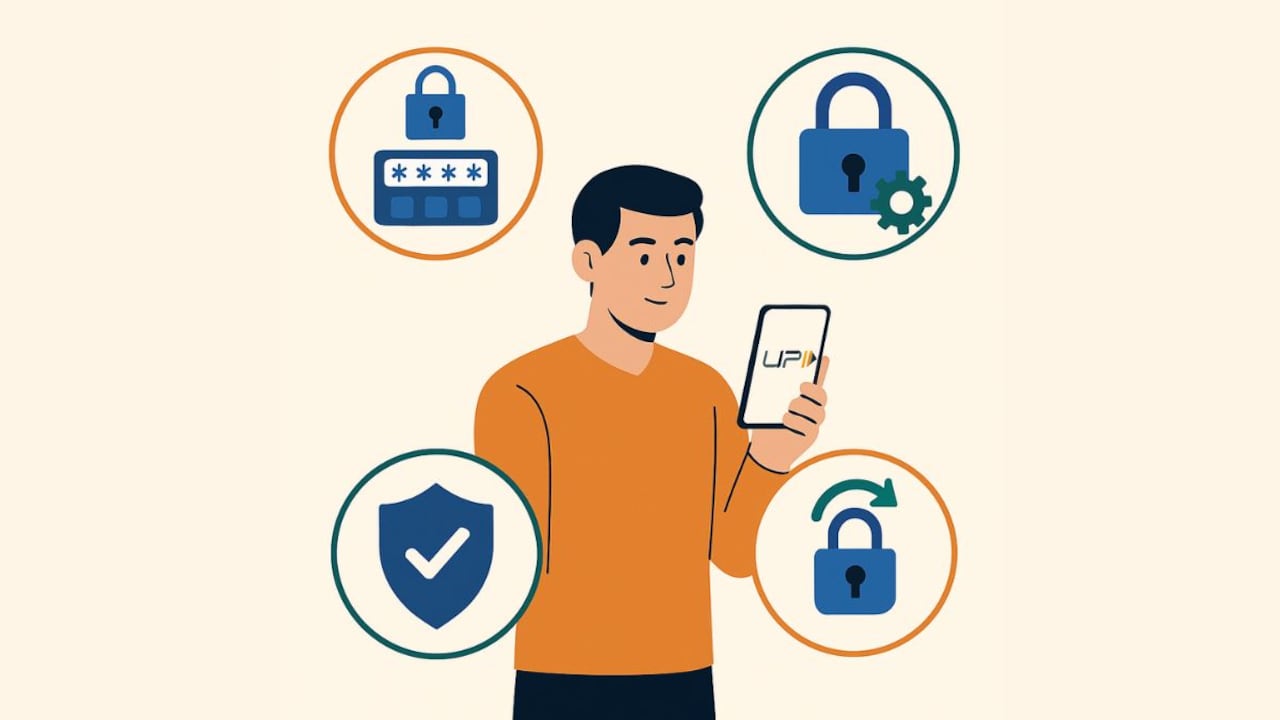
- Never share your UPI PIN or OTP
- Verify the receiver's name before sending money
- Avoid clicking on suspicious links
- Use official apps only
- Enable biometric locks on your phone
- Keep your UPI app updated
Good digital habits help prevent errors and protect your money.
How A Reliable UPI App Enhances Your Experience
A large part of your UPI experience depends on the app you use. An app that is stable, fast, and widely accepted helps you avoid unnecessary payment issues and gives you confidence while transacting. This is where payment apps like Paytm make a noticeable difference.
With a strong presence across both online and offline merchants, Paytm offers smooth UPI payments, clear transaction tracking, and a dependable history log that helps you monitor refunds and reversals easily. Many users also appreciate features such as quick customer support, smart reminders for bill payments, and rewards that add value to everyday transactions.
If you already use Paytm, continuing to make your UPI payments through the app ensures you benefit from its secure and widely trusted ecosystem. For new users, installing the Paytm app can be a practical way to adopt a cashless lifestyle, enjoy reliable UPI services, and understand your payment trail with clarity, including when refunds or reversals take place.
UPI has transformed the way India transacts, offering speed, simplicity, and reliability. And even when something goes wrong, the system has strong safeguards to ensure your money is protected. Refunds and reversals may sound technical, but they are straightforward once you understand how they work.
Frequently Asked Questions (FAQs)
1. Why does a UPI payment fail even when money is deducted?
A UPI payment can fail due to network issues, server downtime at the bank, or temporary technical disruptions. If the transaction doesn't go through, the system typically returns the amount through an automatic reversal.
2. What is the difference between a refund and a reversal in UPI?
A refund is initiated by a merchant when an order is cancelled or returned. A reversal happens automatically when a payment fails due to technical reasons before reaching the receiver.
3. How long does it take to receive a UPI refund?
Refunds usually take 3 to 5 working days, depending on the merchant's processes and the banks involved. Some may appear sooner.
4. How can I track a failed UPI payment?
You can check the transaction history in your UPI app. It will show whether the payment is successful, pending, reversed, or failed. Your bank statement will also reflect the final status.
5. What should I do if a failed UPI payment is not reversed?
If the amount hasn't returned after a reasonable time, you should contact your bank or the app's support team. Providing the transaction ID, date, and amount helps them investigate faster.
(Disclaimer: This article may include references to or features of products and services made available through affiliate marketing campaigns. NDTV Convergence Limited (“NDTV”) strives to maintain editorial independence while participating in such campaigns. NDTV does not assume responsibility for the performance or claims of any featured products or services.)